
How to score a doubles match on your phone
Doubles is where paper scoresheets fall apart. Between the serving pair, the correct service court, who’s even and who’s odd, and the switch of ends between games, there’s a lot to hold in your head while you’re also trying to play. Here’s how to let your phone carry all of it.
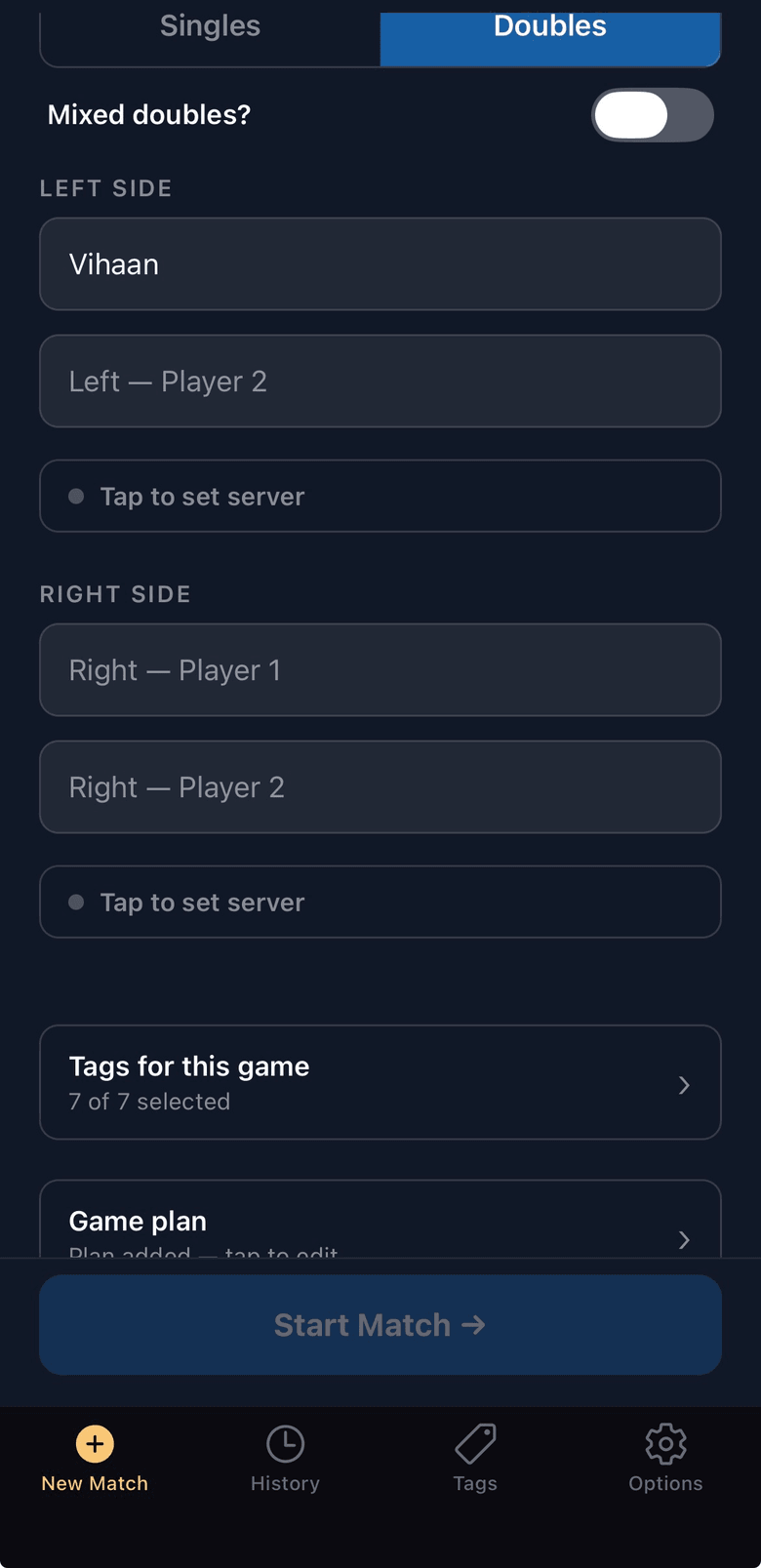
1. Set up the match
Add both pairs and pick who serves first. That’s the only decision you have to make — everything after that is handled for you.
2. Just tap the winner
Every point, tap the side that won the rally. The app knows the rest: it advances the score, works out the new server and the correct service court, and rotates your players so the right name is always on the right side of the net.
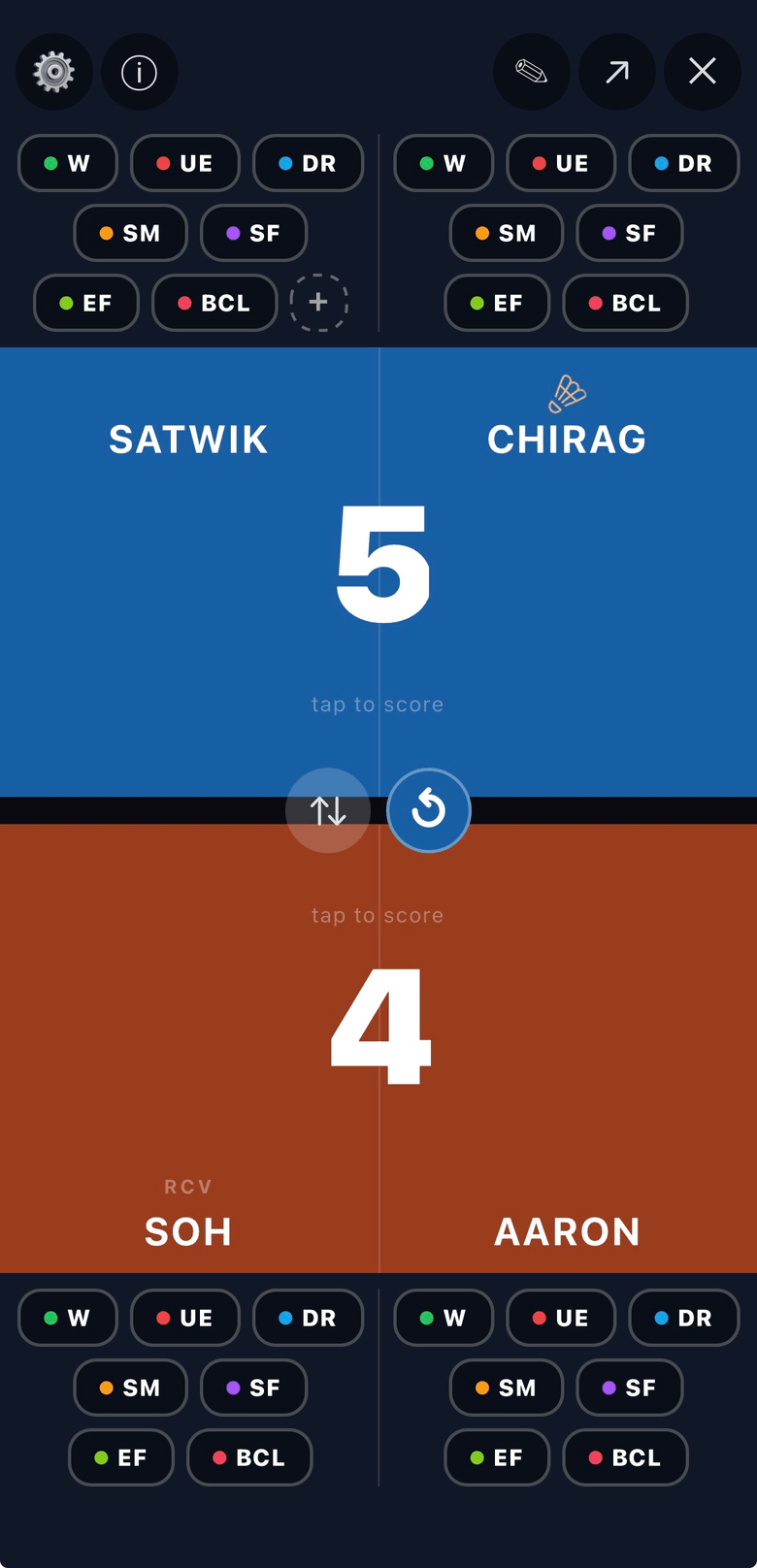
Made a mistake? One undo steps the whole state back — score, serve and rotation included.
3. Tag the points that matter (optional)
If you want more than a final score, tag points as you go — a winner here, an unforced error there. It’s a single extra tap and it’s what turns the match into stats afterwards. (More on that in my tagging system.)
4. Read the result
At the end you’ve got a clean scoreline and, if you tagged, a full breakdown of where the match was decided.
| Team | G1 | G2 | G3 | Games |
|---|---|---|---|---|
| Satwik / Chirag | 21 | 19 | 21 | 2 |
| Soh / Aaron | 18 | 21 | 14 | 1 |
That’s it. The whole point of scoring on your phone is that you stop managing the score and get to just play — while still walking away with a record you can actually learn from.